About Searchira
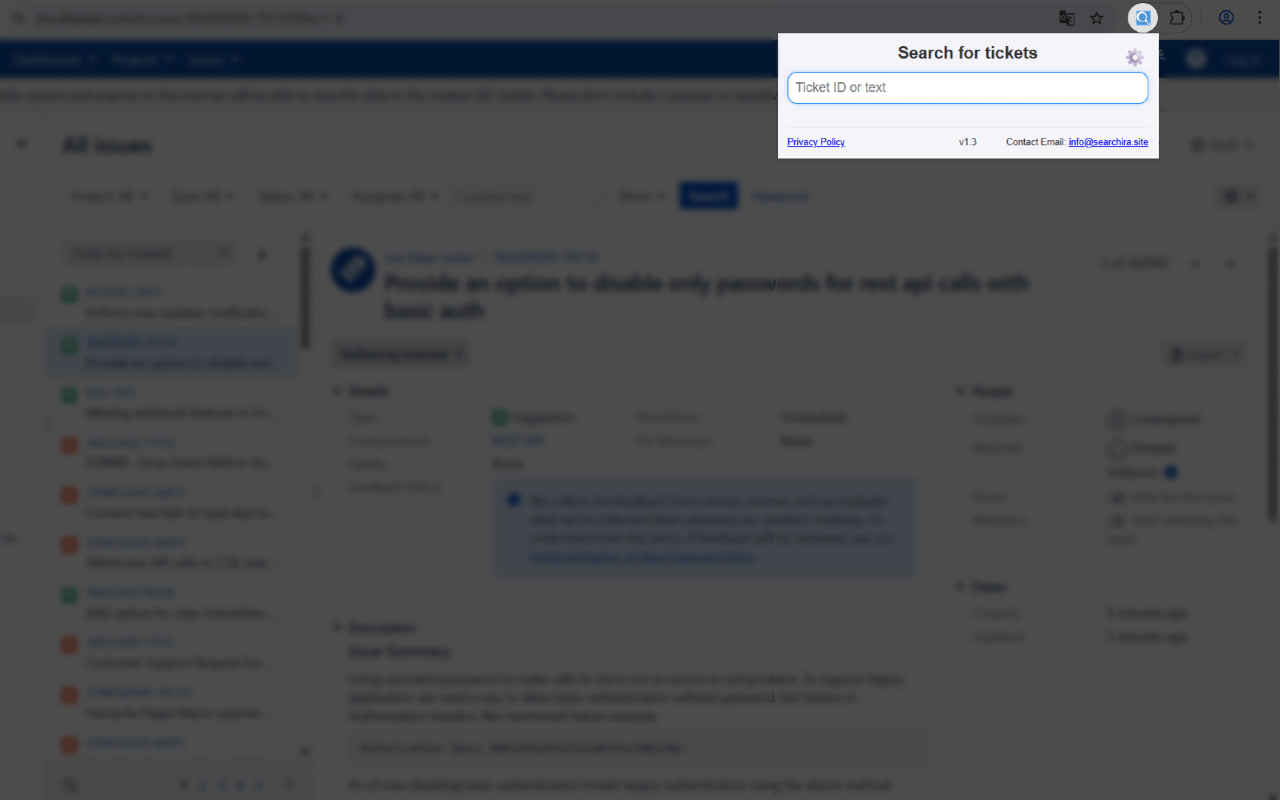
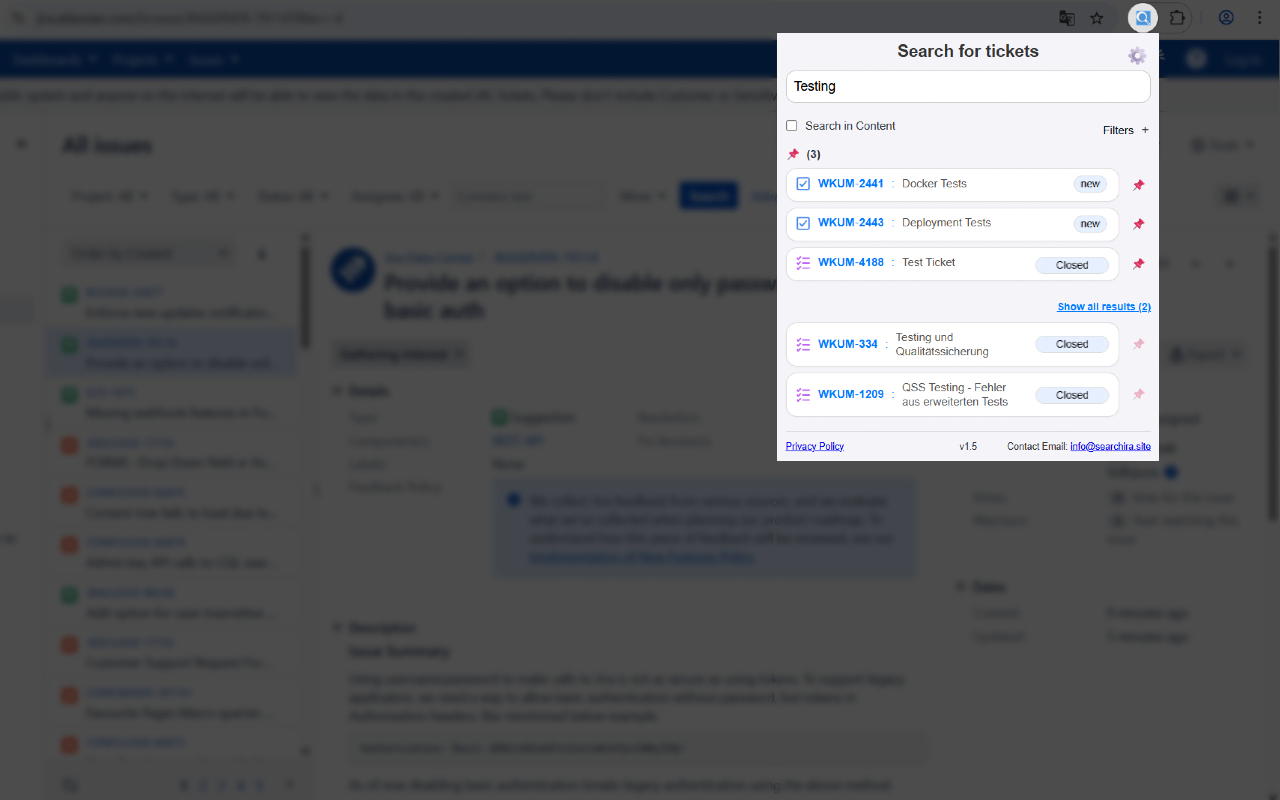
Searchira makes everyday Jira work faster and easier directly from your browser. Search issues without opening Jira first, keep important tickets within quick reach, filter and sort results, copy ticket details, and pin issues directly from Jira pages.
Features:
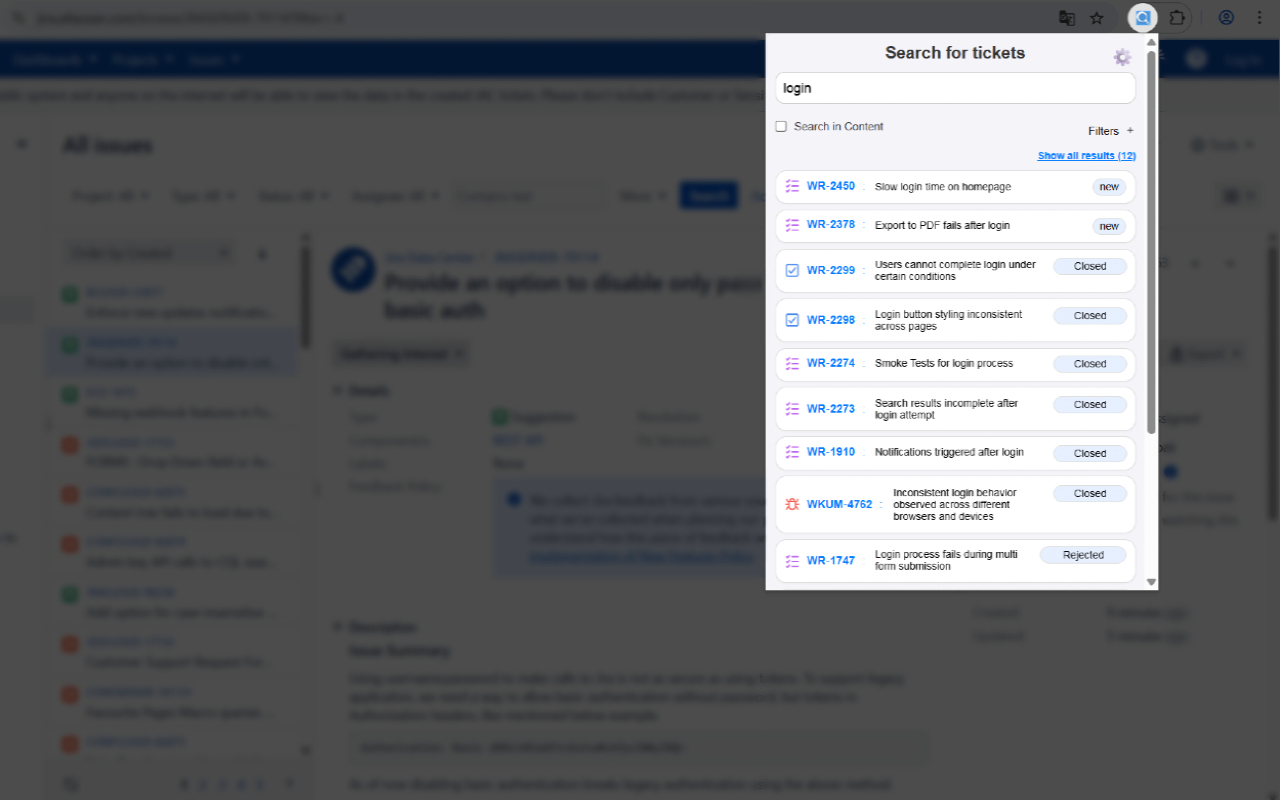
- Fast Jira search: Find Jira issues quickly by issue key, numeric ID, title, or keywords.
- Optional content search: Search ticket content and descriptions when you need deeper results.
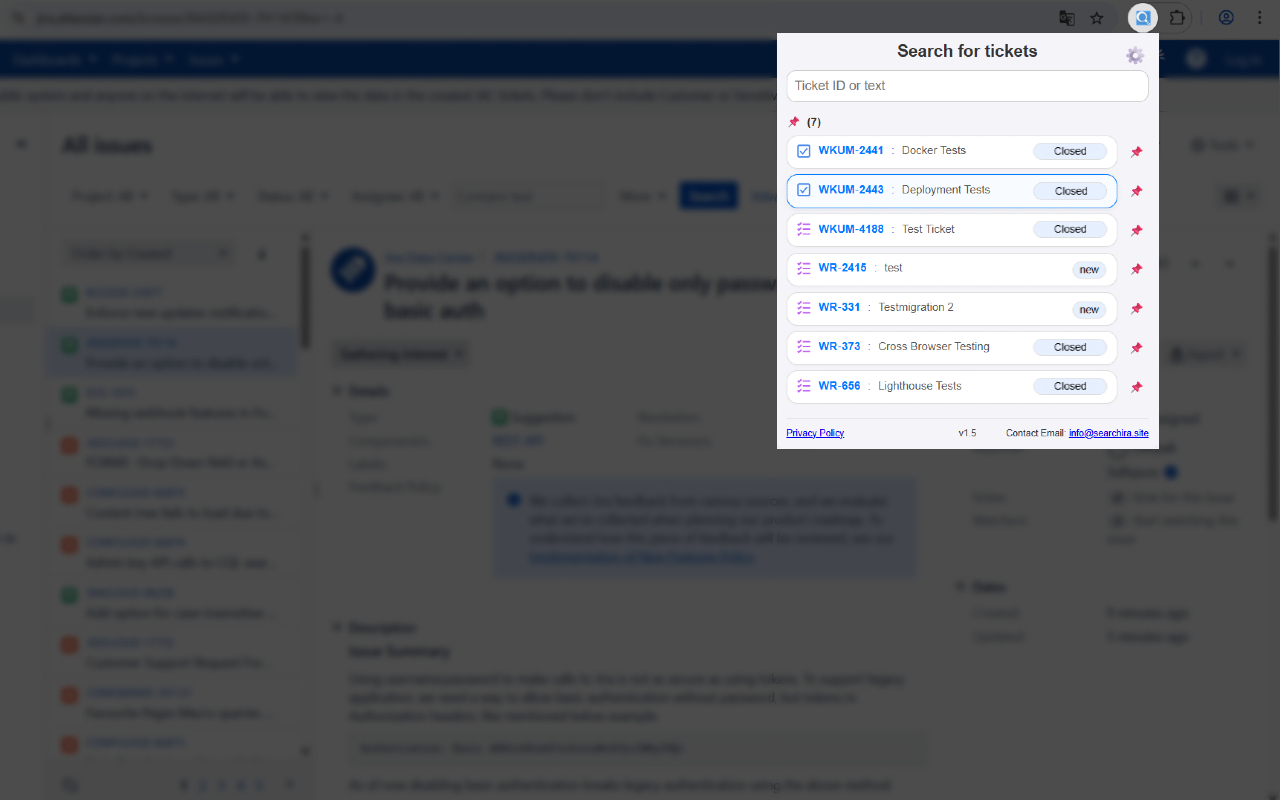
- Persistent search: Your last search stays available when you close and reopen Searchira, so you can continue where you left off.
- Quick Access pins: Keep important Jira tickets permanently available at the top of Searchira for fast access.
- Flexible pin organization: Reorder pinned tickets with drag & drop or keyboard controls and keep your preferred order across sessions.
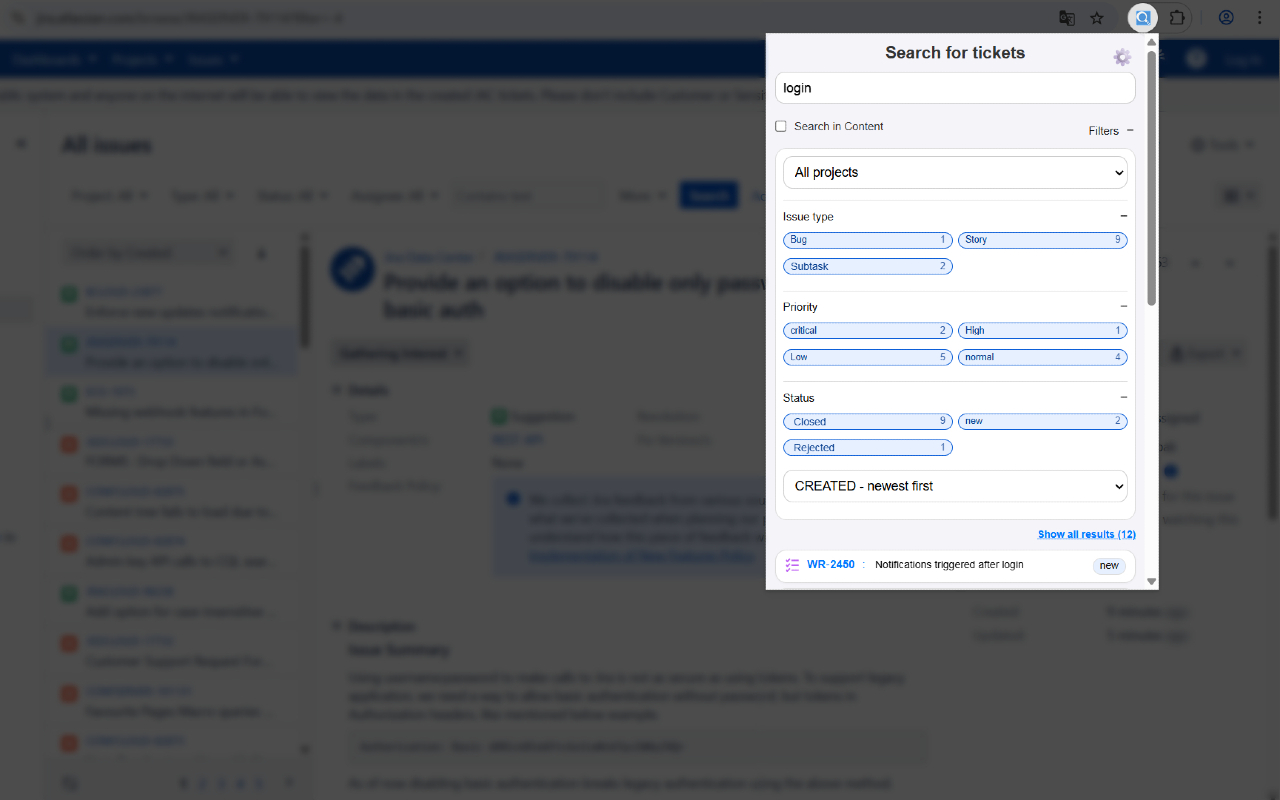
- Powerful filters: Narrow down search results by project, status, issue type, and priority.
- Flexible sorting: Sort results by relevance, creation date, or last update.
- Open directly in Jira: Open any search result or pinned ticket directly in Jira with one click.
- Pin directly from Jira: Pin or unpin the currently opened Jira ticket directly from its issue page.
- Optional Jira page button: Enable or disable the Jira pin button at any time in Searchira settings.
- Quick copy tools: Copy an issue key with its Jira URL or copy a formatted issue key and title with one click.
- Open results in Jira: Continue working with your matching Searchira results directly in Jira.
- Keyboard-friendly controls: Use important Searchira actions with the keyboard as well as the mouse.
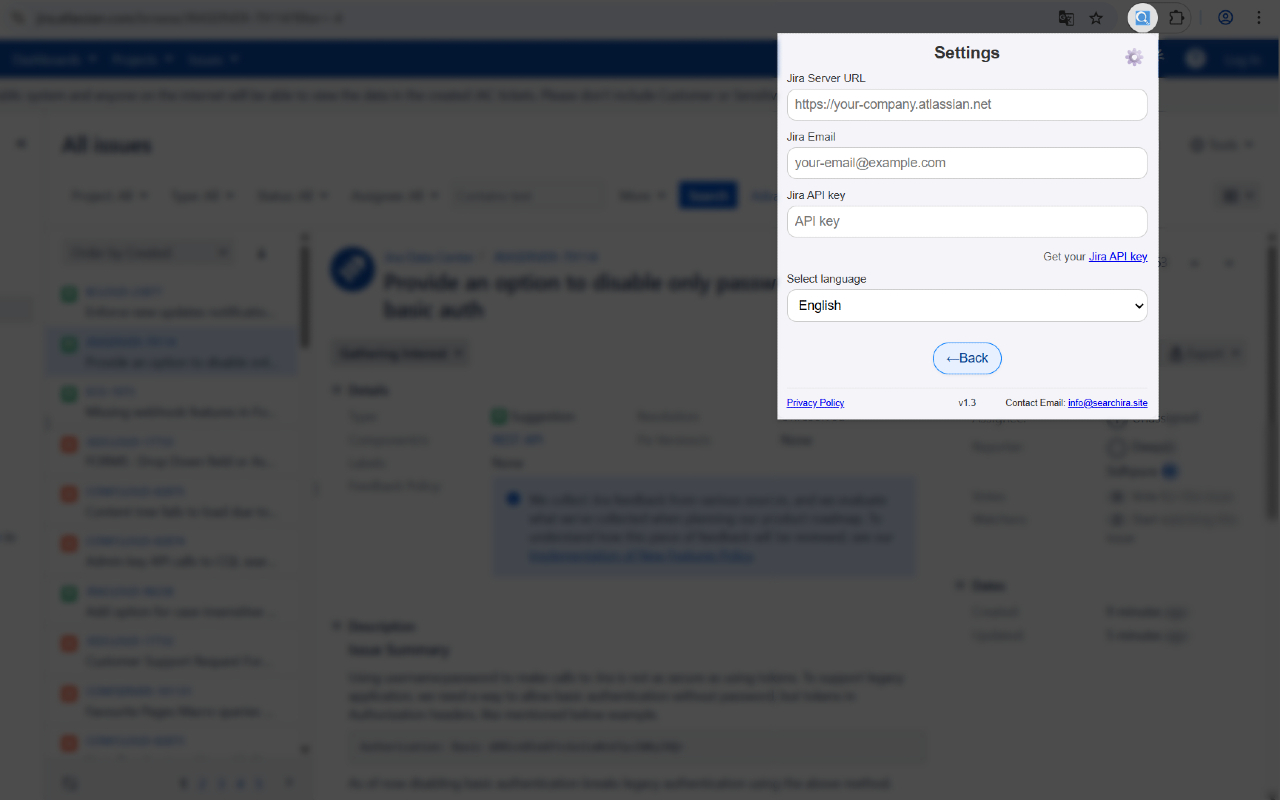
- 15 languages: Use Searchira in your preferred language with a localized interface.
- Simple Jira setup: Connect Searchira to your Jira Cloud instance using your Jira server, account email, and API token.
- Clean and focused interface: Spend less time switching between tabs and keep frequently used Jira tickets within easy reach.